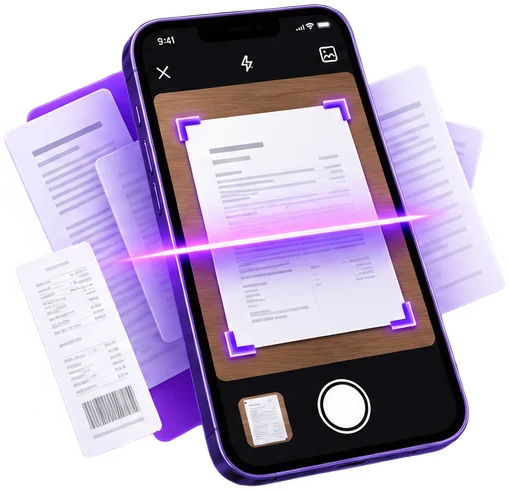
01
Scan in seconds
Point your camera at any paper. PDFDocify finds the edges, straightens the page and turns receipts, letters and contracts into sharp PDFs.
Coming soon to Android, then iOS
The fast and private PDF scanner for your everyday documents. No uploads. No registration. Your files never leave your device.
One email when PDFDocify launches. Nothing else.
We use your address only to tell you about the launch. Details in our privacy policy.
What you get
Point your camera at any paper. PDFDocify finds the edges, straightens the page and turns receipts, letters and contracts into sharp PDFs.
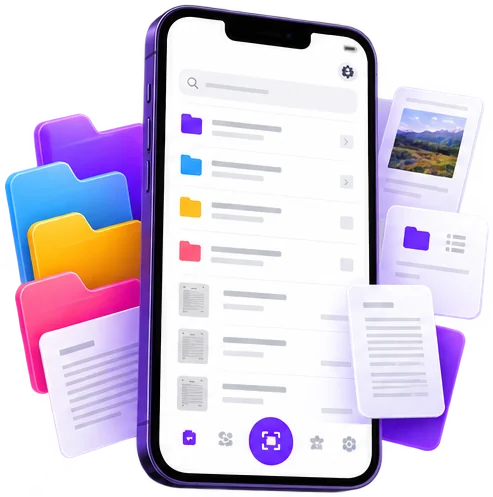
Keep every document in folders, find it again with search and sort by name, date or size – all stored on your phone.
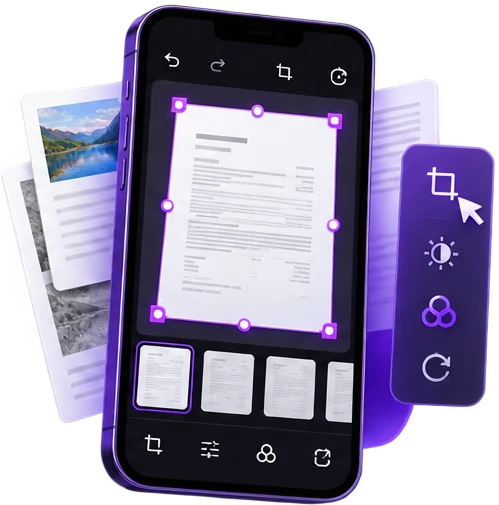
Crop, rotate and reorder pages, then choose a filter such as Auto, Black & White or Color for clean, readable scans.
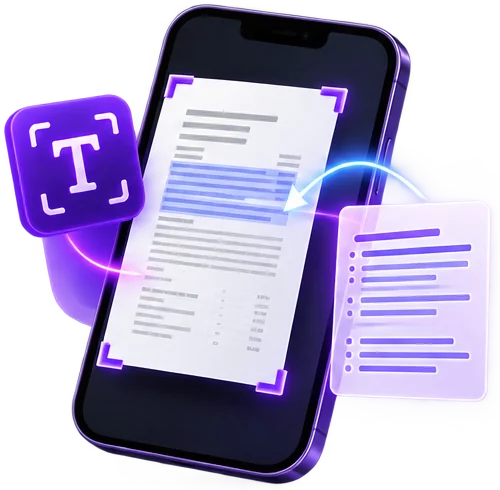
Turn scanned pages into text you can copy and search. Recognition runs on your device, so nothing is uploaded.
Premium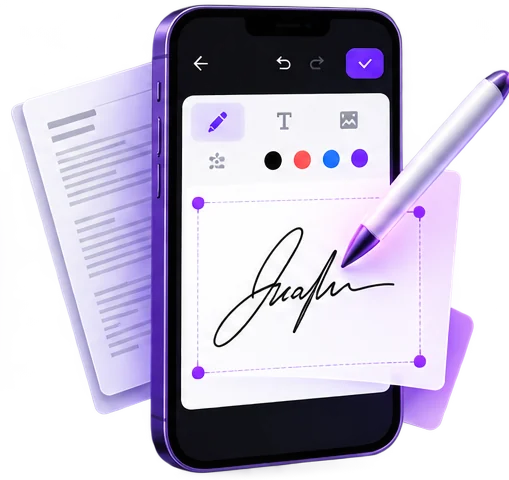
Draw your handwritten signature once, save it and place it on any PDF in seconds.
Premium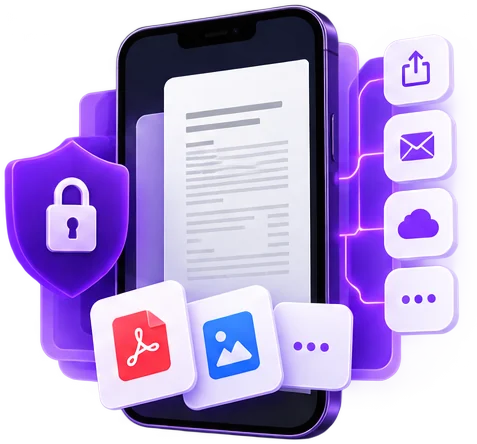
Lock sensitive PDFs with a password and share them by email, messenger or any app you like.
Password protection: PremiumAll features
Available as a subscription or a one-time purchase. The free version stays fully usable.
Privacy
PDFDocify works 100% offline. Scanning, OCR and every PDF tool run on your device, so there is nothing to upload and no account to create.
An internet connection is only needed for in-app purchases.
Your documents stay on your device
Nothing is sent to a server
Open the app and start scanning
Scan in seconds
Leave your email and we will tell you the day it lands on Google Play, with the App Store to follow.
We use your address only to tell you about the launch. Details in our privacy policy.