Scanning
How to Scan Documents to PDF
Turn paper into clean PDFs with your phone: seven steps from preparing the page to saving the file, plus tips for sharp, private scans.
Read the guide
How to Scan Multiple Pages into One PDF
Combine contracts, applications and statements into a single PDF: capture every page, put them in order and save one file.
Read the guide
How to Convert Images to PDF
Turn photos, JPGs and PNGs into PDFs: convert single images or combine several into one document, without losing quality or privacy.
Read the guide
How to Scan Documents Offline and Privately
Scan without an internet connection and keep sensitive documents on your device: how offline scanning works and how to protect your scans.
Read the guide
PDF tools
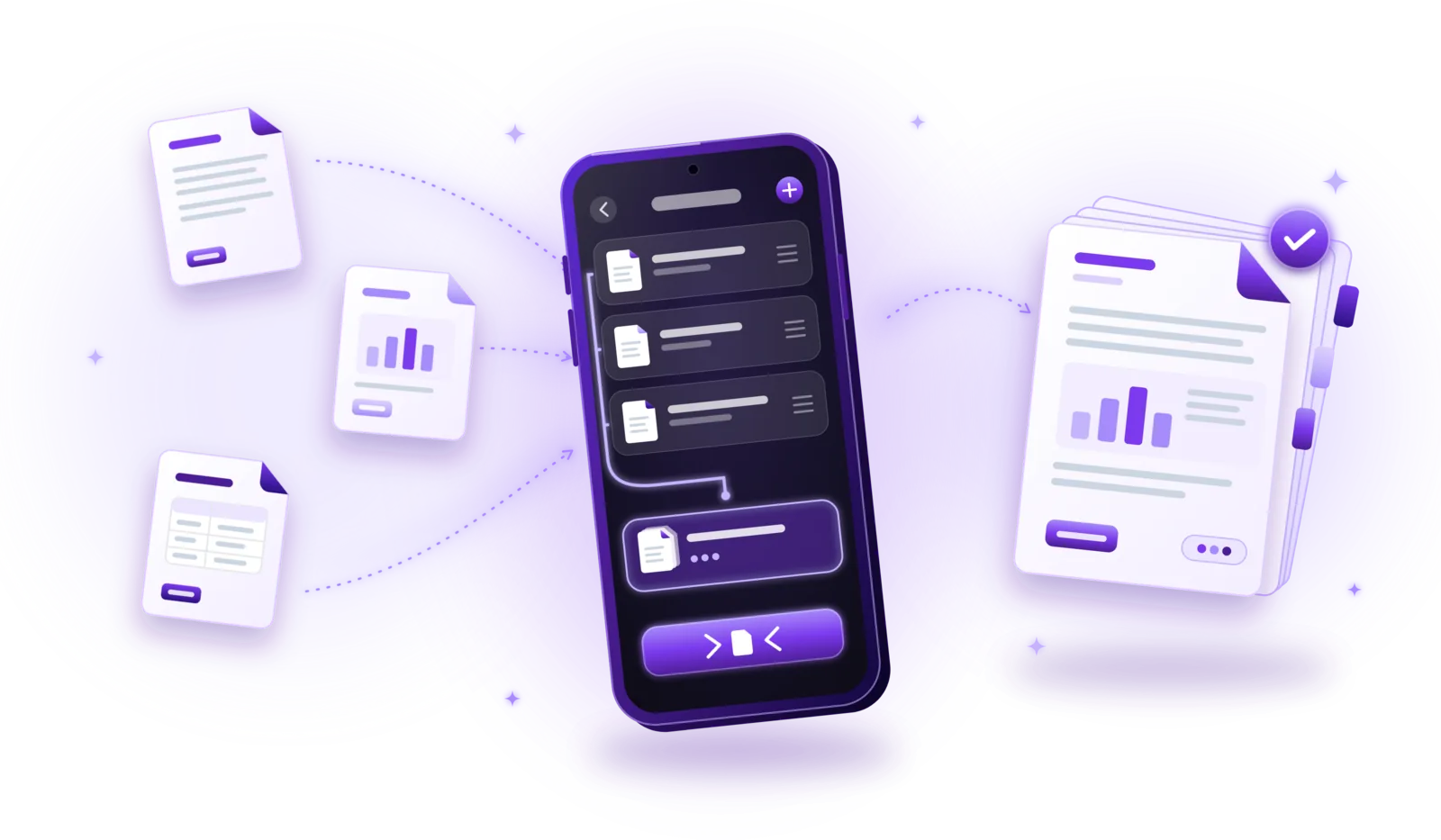
How to Merge PDF Files into One Document
Combine several PDFs into one document: select the files, put them in order and save a single PDF, without losing quality or privacy.
Read the guide
How to Compress PDF Files Without Losing Quality
Make PDFs smaller for email and uploads: choose the right compression level, keep text readable and compress without uploading your files.
Read the guide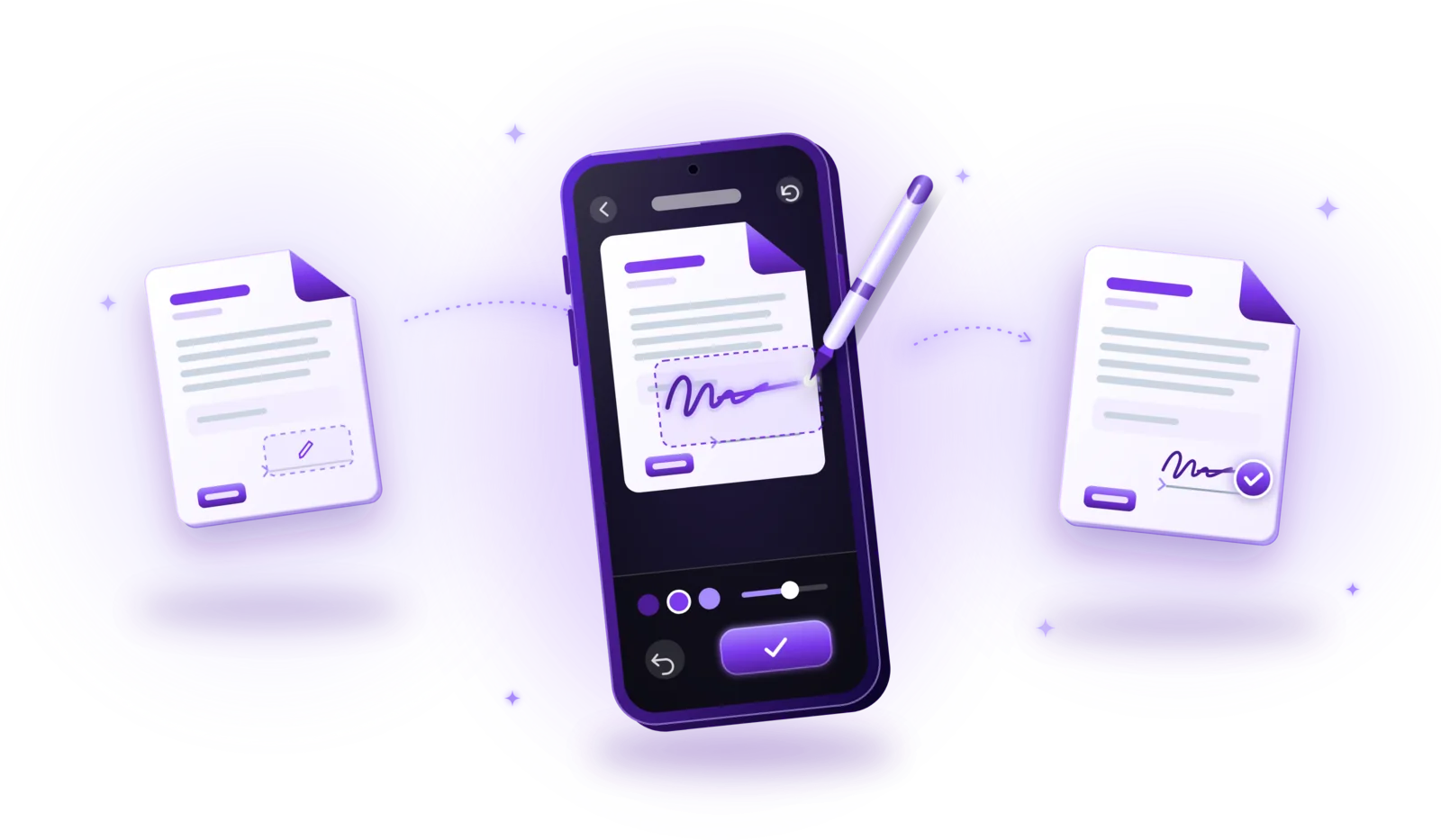
How to Sign PDF Documents Electronically
Sign PDFs without printing: add your signature in a few steps, understand electronic vs. digital signatures and know when a simple signature isn’t enough.
Read the guide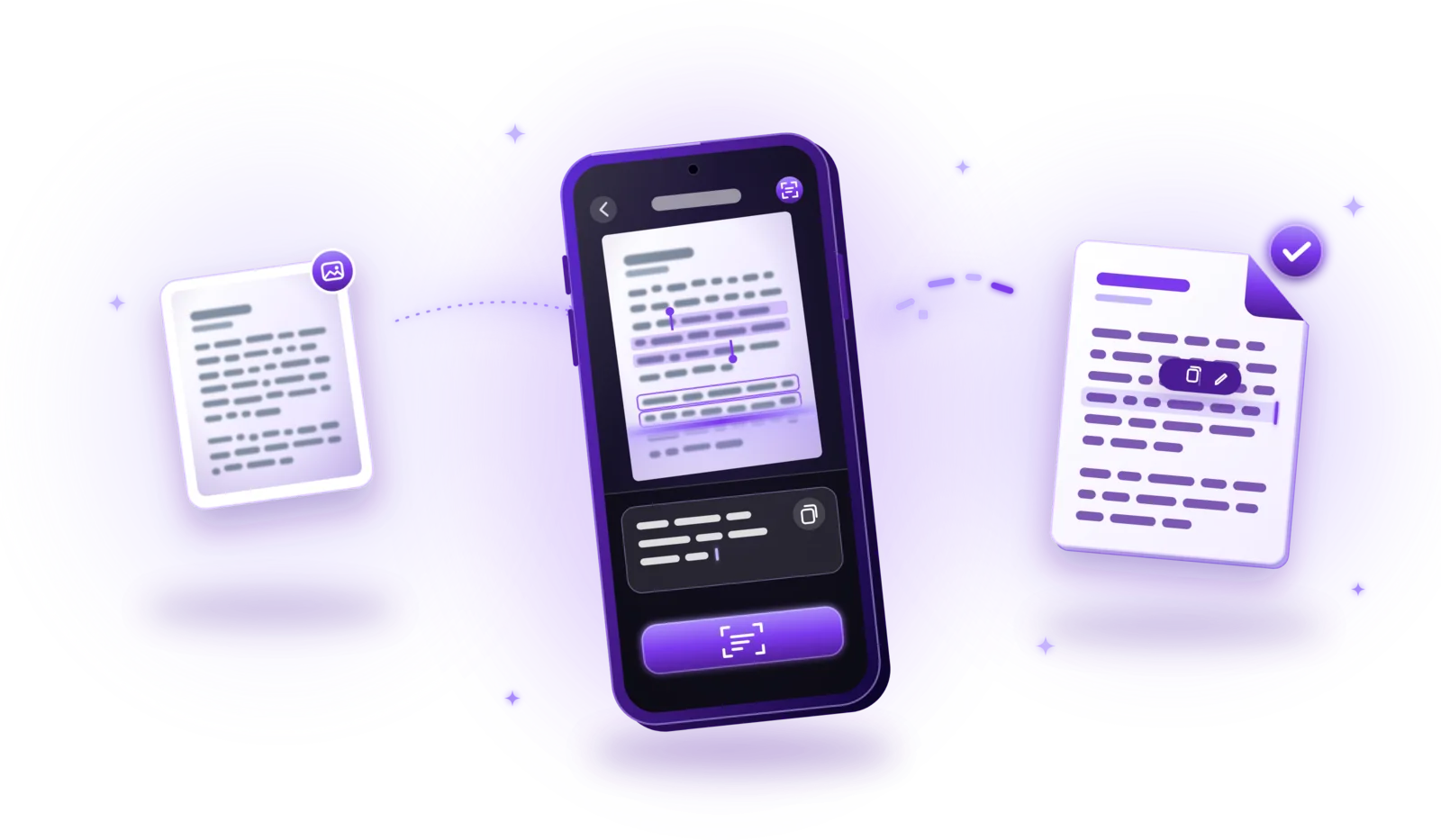
How to Extract Text from Scanned Documents Using OCR
Turn scans, photos and image PDFs into text you can copy and search: how OCR works, how to use it and how to get accurate results.
Read the guide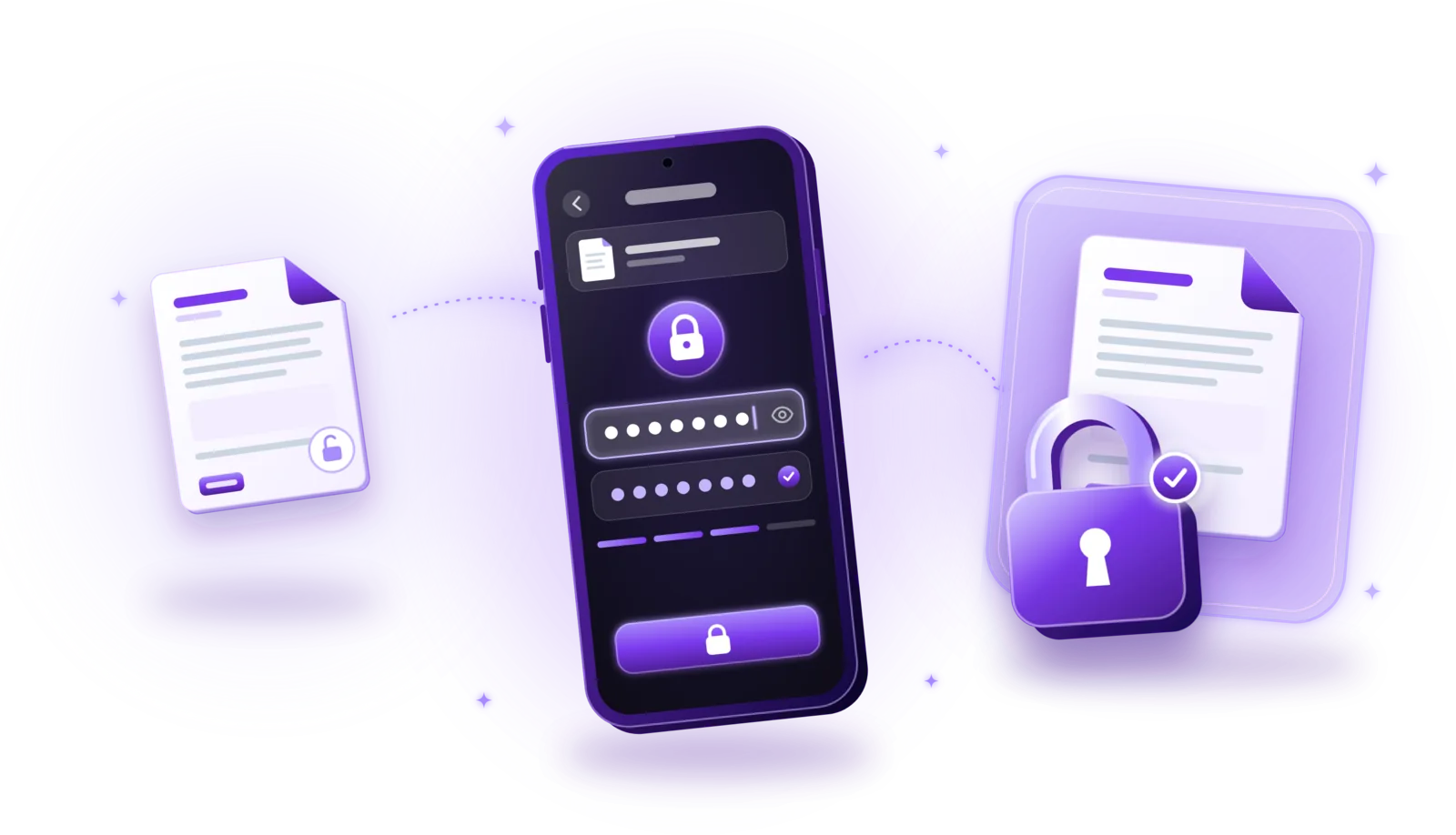
How to Password-Protect PDF Documents
Lock sensitive PDFs with a password: encrypt them step by step, choose a strong password and share protected files safely.
Read the guide